Template Objective
The Project Management template allows you to organize and track all tasks necessary for project execution.
It provides a centralized view of operational actions, their progress, responsible parties, and priorities.
It serves as a simple, structured, and effective foundation for managing the operational work of a project.
Create a Board from the Template
- In the workspace of your choice, click on "Add a new board".
- Go to the PILOTAGE section and search for the "Project Management" template.
- To discover the template features, start by importing the test data. This will allow you to visualize a concrete example and quickly familiarize yourself with the structure.
Once ready, you can switch to a blank template to create your own personalized board.
Create a board from a template
Board structure
Each row represents a task to complete.
Template attributes
| Attribute | Type | Description |
|---|---|---|
| Task | Text | Name of the action or item to complete. |
| Description | Text | Additional information or context. |
| Subtasks | Checklist | Short list of actions that make up the task. |
| Status | List | Task progress (to do, in progress, completed). |
| Owner | User | Person in charge. |
| Due date | Date | Target completion date. |
| Priority | List | Level of importance. |
| Type | List | Task category (Design, Technical, Document, Training). |
| Deliverables | Deliverable | Task deliverables |
Views included in the template
The template includes several preconfigured views to facilitate the suivi of activities.
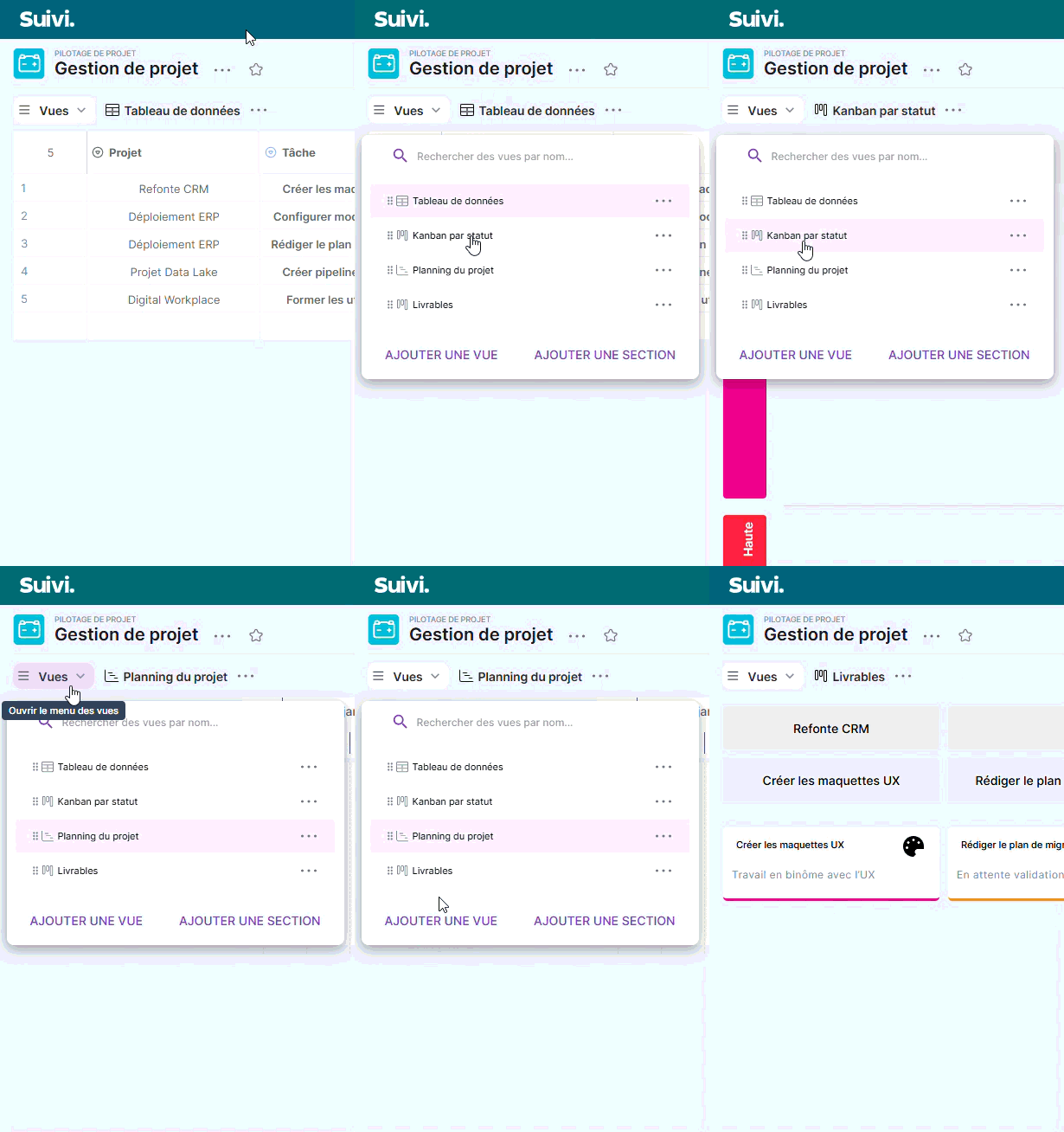
Data Table view
Structured view displaying all tasks with the main attributes.
Ideal for daily data entry and updates.
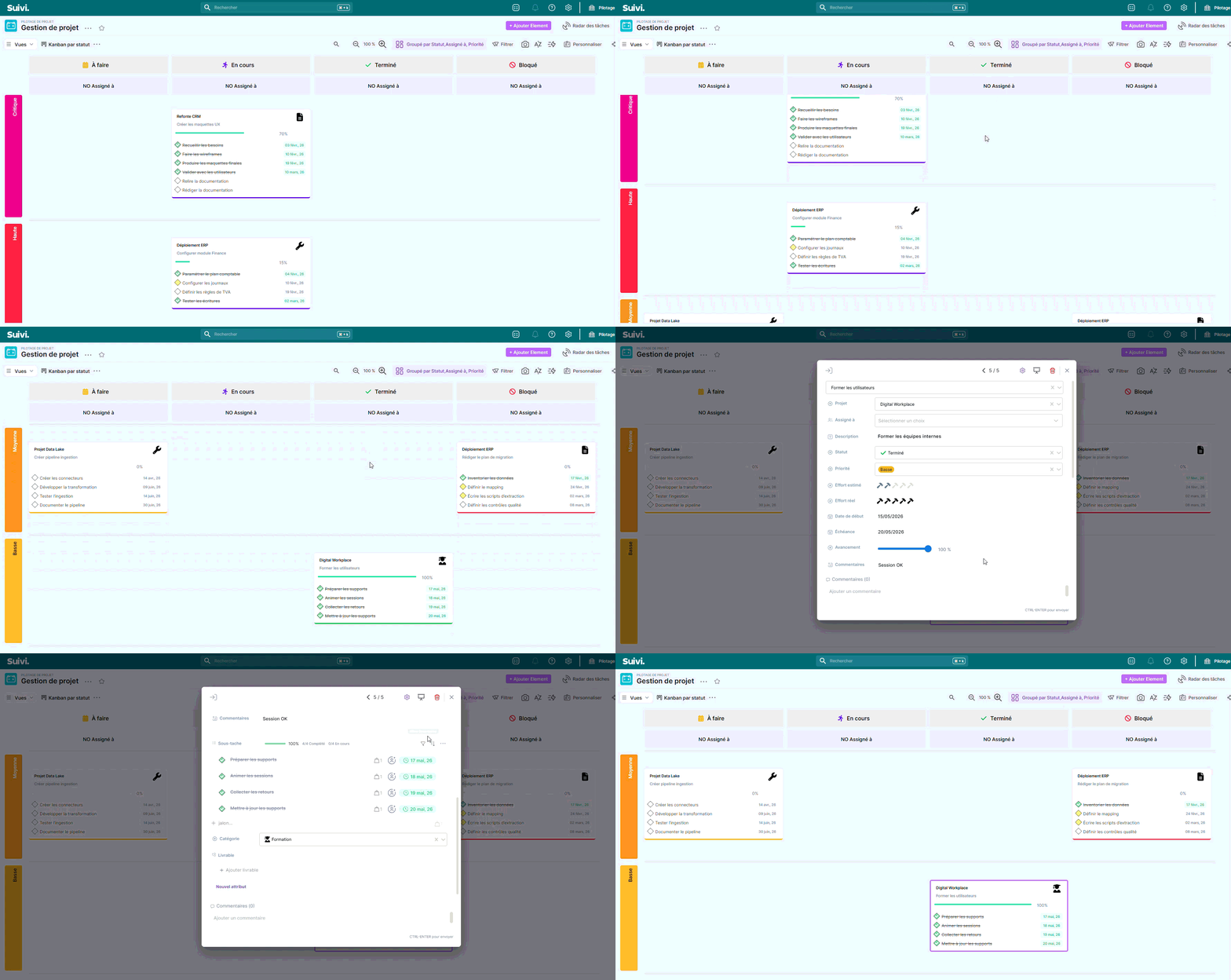
Kanban view by status
Visual view allowing you to track task progress according to their status.
Useful for quickly visualizing what needs to be done, what is in progress, or completed.
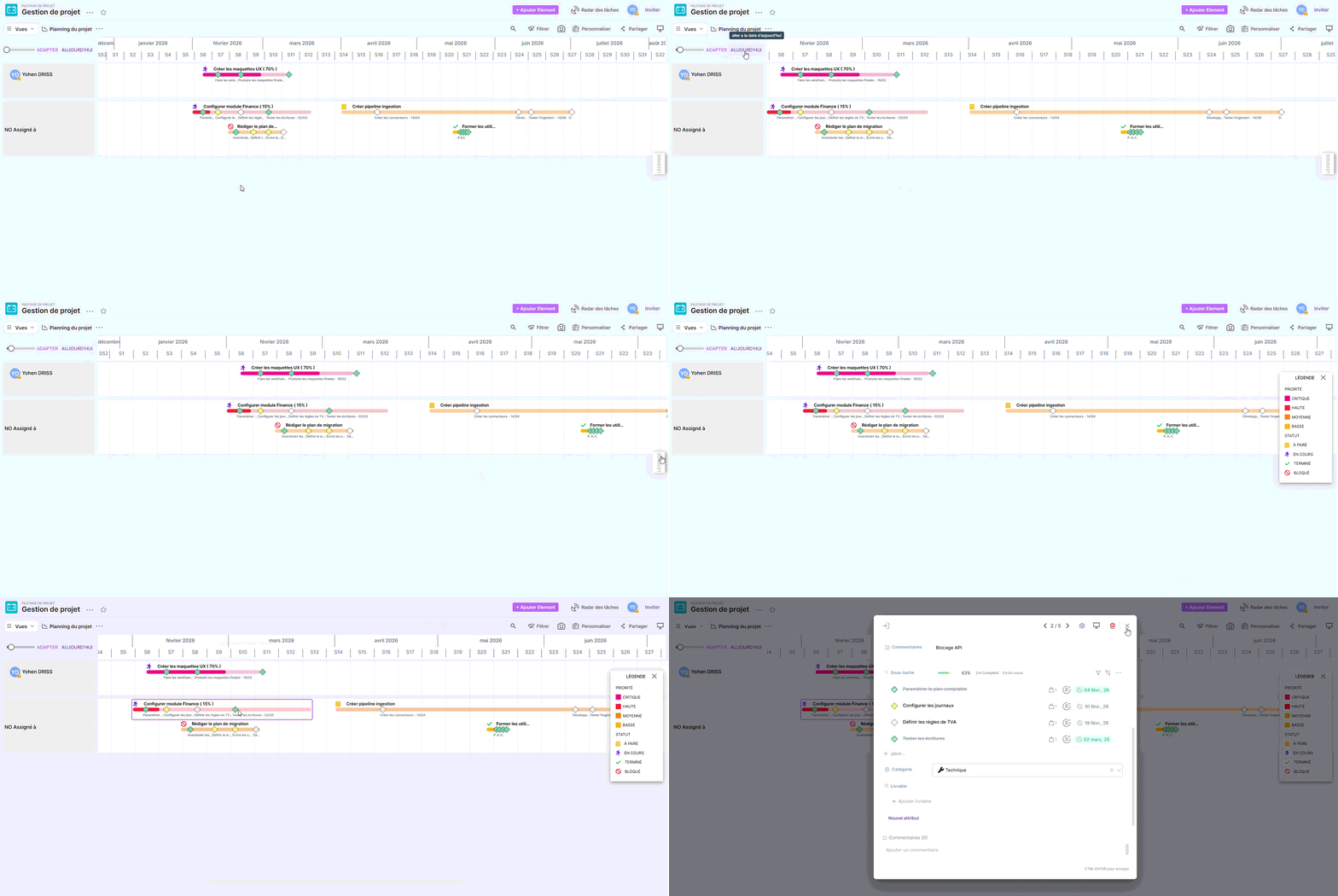
Project Planning View
Timeline view displaying tasks based on their dates.
Allows you to identify deadlines, busy periods, and potential scheduling conflicts.
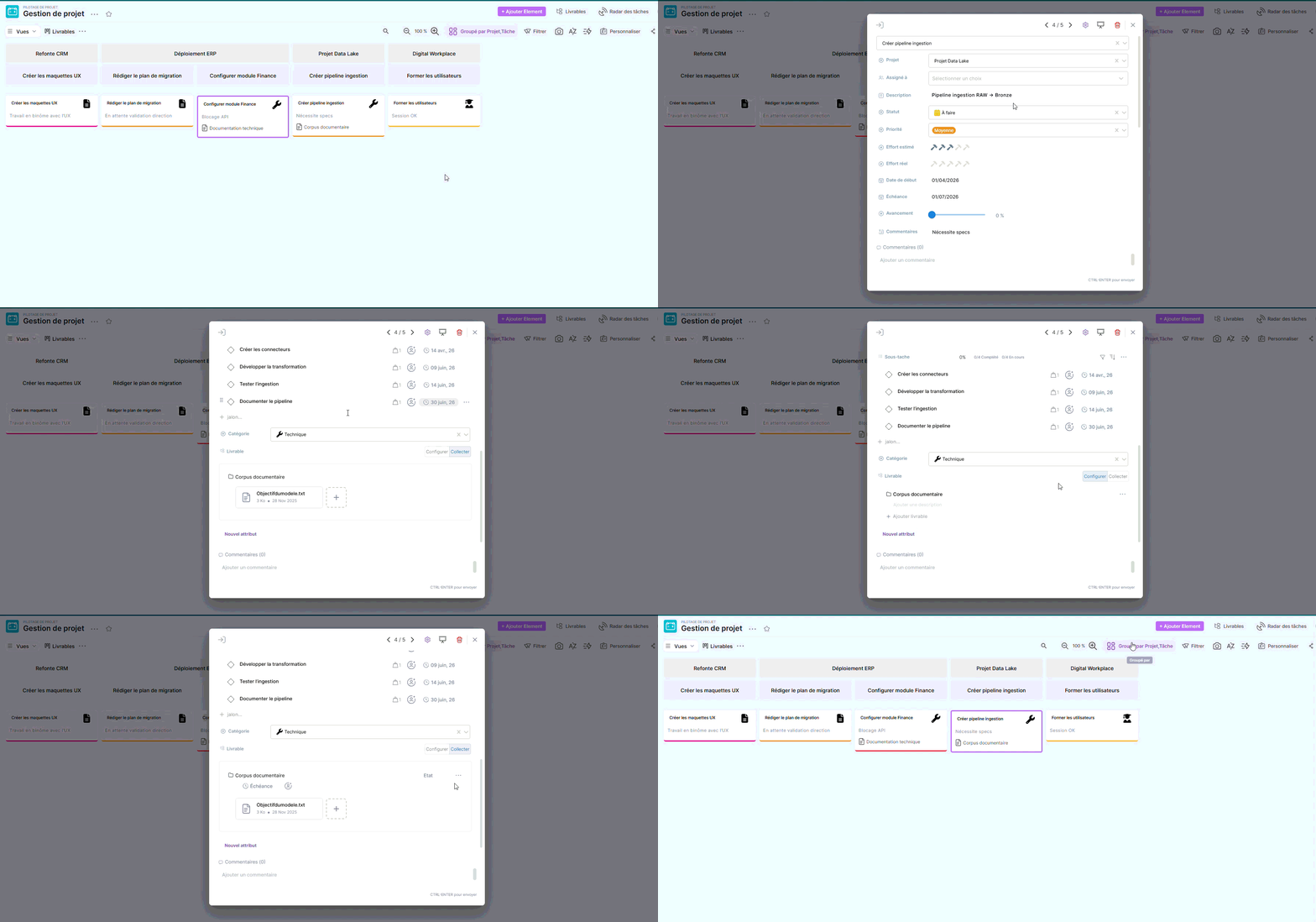
Deliverables View
View dedicated to suivi of items to be produced as part of the project.
It allows you to visualize deliverables, their status, their owners, and their deadlines, to ensure smooth execution and timely validation.
Conclusion
The Project Management template provides a clear and immediately usable structure for managing operational tasks.
It can be used as is or adjusted according to your organization's needs by adding columns, adapting statuses, or integrating it into a broader set of project templates.