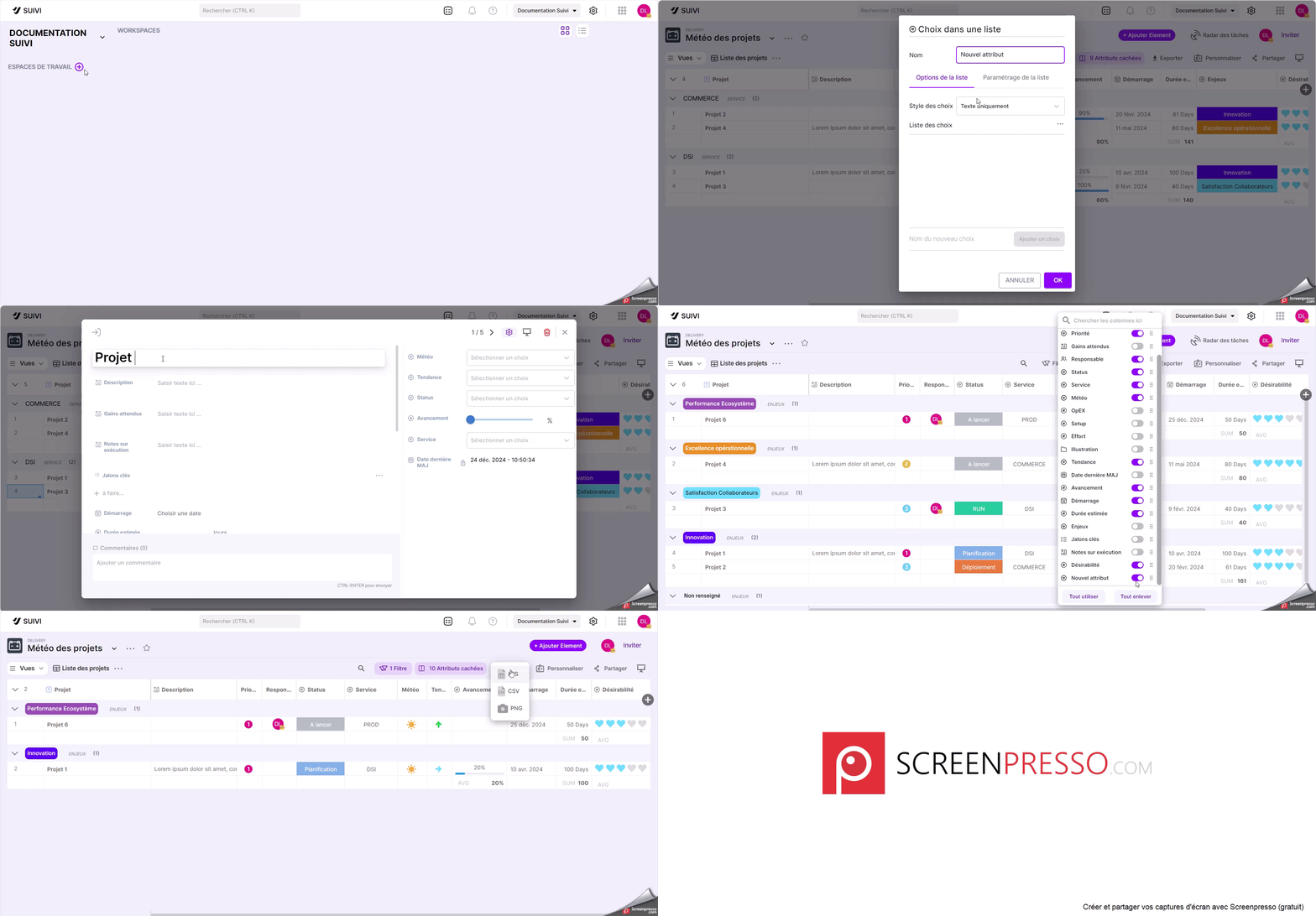
To get started with Suivi, here are the main steps to follow:
- Create a workspace
- Create a board or portal based on your needs using one of the following methods:
- create a board from an existing template (with or without sample data),
- create a board by importing data from an existing CSV file,
- create a board by importing from an existing board export file in JSON format,
- create an empty board,
- create an empty book.
- Modify or add the different board attributes (especially if you're starting from an empty board)
- Enter the board data:
- by direct entry,
- or by importing from CSV data.
- Create the different board views you need:
- Table,
- Kanban,
- Schedule,
- Report,
- etc…
- Customize the board view by applying filters, groupings, colors, etc…
- Invite people to collaborate on designing your board or simply to view it.
- Share this board with your collaborators.